Draft. Items marked [PENDING] depend on migration steps Microsoft has not published yet.
Status check: Microsoft is retiring the App Builder agent in Microsoft 365 Copilot and vibe.powerapps.com. New app creation on those platforms stopped in mid-October 2026. Apps that are not migrated by November 30, 2026 will no longer be accessible through these experiences.
Key dates
| Date | What happens |
|---|---|
| September 8, 2026 | Apps in Copilot Cowork become available through the Frontier program. |
| Early October 2026 | Public preview of Apps in Microsoft Copilot Studio begins. |
| Mid-October 2026 | New app creation in the App Builder agent and vibe.powerapps.com ends. In-product migration is due to become available. |
| November 30, 2026 | The App Builder agent and vibe.powerapps.com are retired. Apps not migrated by this date become inaccessible. |
Source: Microsoft 365 Message Center, MC1505609, published October 12, 2026.
What changed
- Copilot Cowork and Microsoft Copilot Studio are now the main places to build apps from natural language.
- Migration is not automatic. Makers and administrators have to move their own apps.
- The Message Center entry refers to migration documentation but does not link a dedicated migration guide yet.
Who this affects
- Makers who built apps with the App Builder agent in Microsoft 365 Copilot.
- Makers who built apps on vibe.powerapps.com.
- Administrators who support those makers and apps.
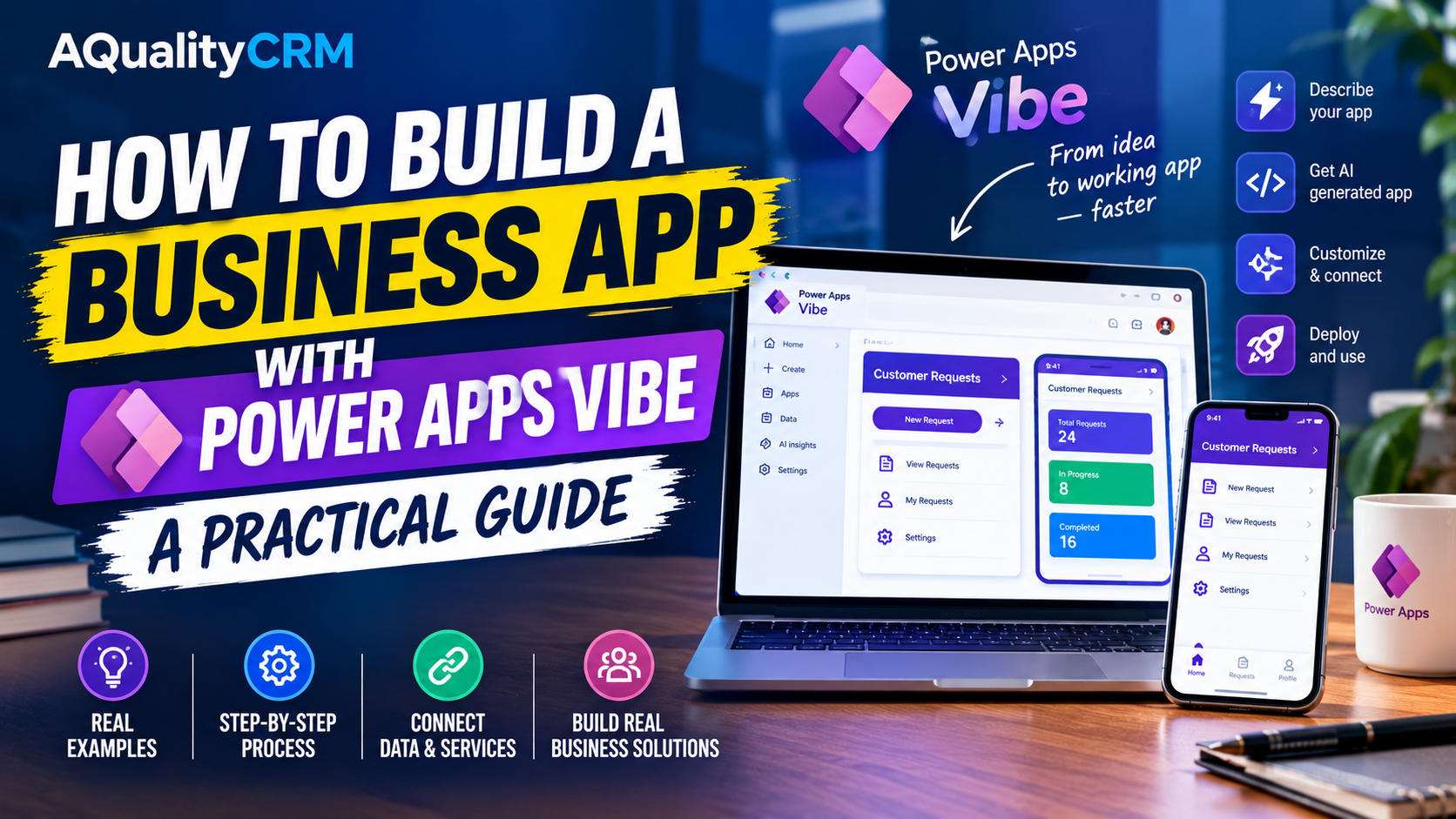
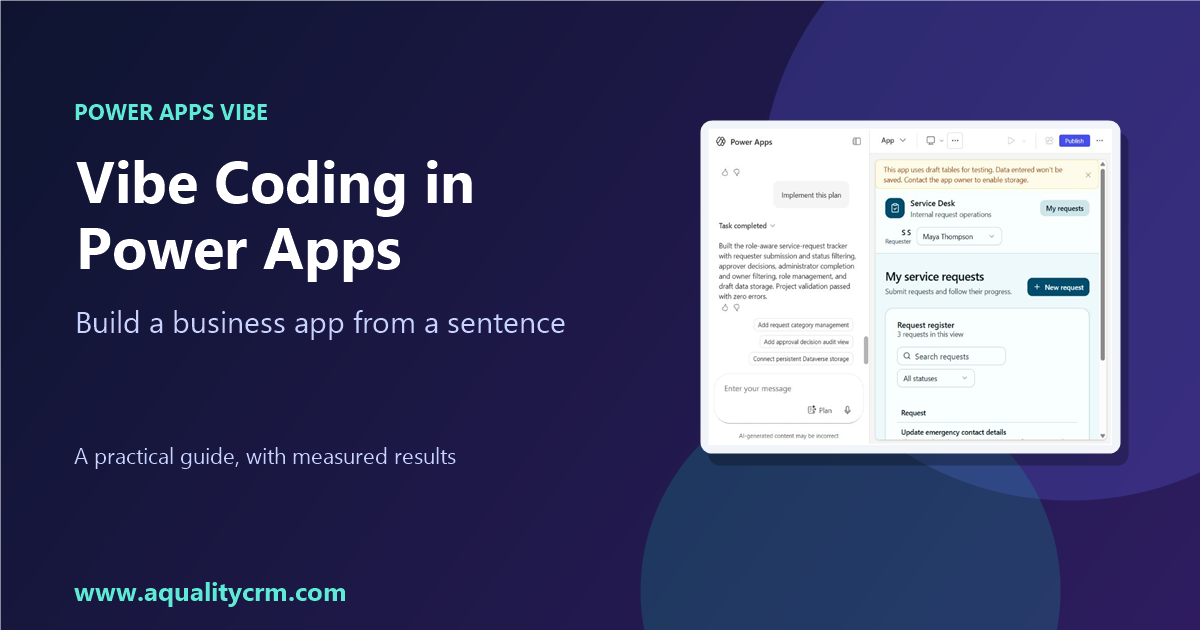
If you built an app in the vibe experience, it is affected. Our sample app, the service-request tracker built in AQualityCRM-Dev, is one of them.
Before you migrate: a checklist
- Inventory your apps. List every app built in the App Builder agent or vibe.powerapps.com, the environment it lives in, and its owner.
- Tell your makers. Share the dates above and say which apps need action.
- Decide which apps to keep. For each app, choose migrate, rebuild, or retire.
- Export data you will not keep. Confirm the data an app holds before you retire it. [PENDING: confirm the export method for vibe apps.]
- Record the requirements of each app. Save the original prompt, the accepted plan, and the list of manual changes. These help when you rebuild or verify a migrated app.
- Check licensing and billing. [PENDING: confirm the billing model for Copilot Cowork and Copilot Studio. One third-party consultancy says apps consume Copilot Credits and that users can be locked out after a set number of operations. Verify this with Microsoft before you rely on it.]
- Test each role after migration. Use one account per role, as in the original build.
Migration steps
[PENDING: Microsoft has said that in-product migration tools arrive in mid-October 2026. Replace this section with the documented steps once they are published.]
Placeholder structure for the steps:
- Open the existing app from [PENDING: the location in the product where migration starts].
- [PENDING: choose the migration target, Copilot Cowork or Copilot Studio.]
- [PENDING: review the mapping of roles, data, and screens.]
- [PENDING: run the migration and note any items that did not transfer.]
- [PENDING: test the migrated app with each role and publish it.]
Common questions
Will my apps migrate automatically? No. Microsoft’s guidance says migration is manual.
What happens if I miss the deadline? Apps not migrated before November 30, 2026 will no longer be accessible through the App Builder agent or vibe.powerapps.com.
Can I still build apps in canvas or model-driven apps? One third-party consultancy says classic canvas and model-driven apps are not part of this retirement. We have not verified this against Microsoft’s documentation. [VERIFY before publishing.]
Do I need to rebuild everything? Not necessarily. Each app needs a decision: migrate, rebuild, or retire. The inventory in step 1 makes that decision easier.
What we have not verified
- The claim that Copilot Studio agents run under their own Microsoft 365 accounts, with actions attributed to the agent. This is a claim from a social post. We did not confirm it.
- The claim that Microsoft has published a new PCF plugin for building controls with AI. We found no official Microsoft package. Community skills exist, but their owners and licenses should be checked before use.
Sources
- Microsoft 365 Message Center: MC1505609: Microsoft 365 Copilot and Power Apps: Retirement of App Builder agent and vibe.powerapps.com
- Microsoft Support: Build apps with Microsoft 365 Copilot (Frontier)
- Microsoft Learn: Overview of the new Power Apps vibe experience
- TenantCraft: App Builder and vibe.powerapps.com retirement (third-party, used for context only)