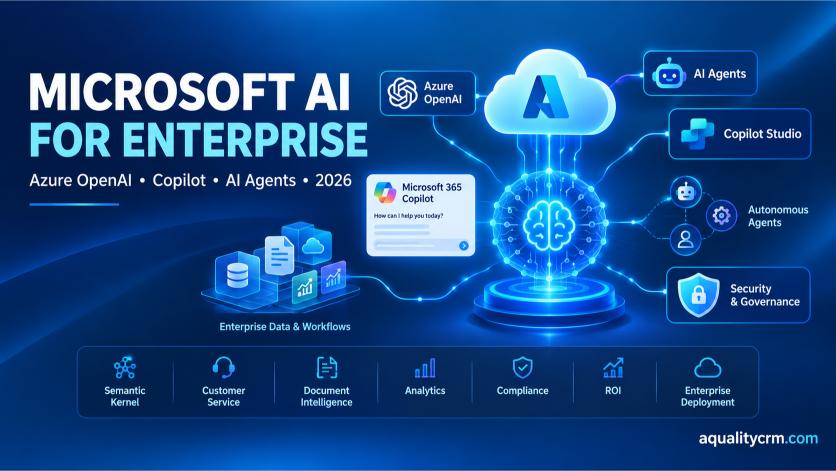
Microsoft AI Product Portfolio: What Each Tool Is Built For
In 2026, Microsoft is leading enterprise AI with $37 billion in annual revenue and 230,000 organizations now using Azure AI, GitHub Copilot, and Copilot Studio (Microsoft SEC Filings and QuantumRun, 2026). The company processes 100+ trillion tokens quarterly through Azure OpenAI alone (QuantumRun, 2025).
Understanding which product solves which problem is the first step to enterprise AI success. Microsoft offers six major offerings, each designed for different workloads and organizational needs.
Azure OpenAI Service is Microsoft’s enterprise gateway to GPT-4, GPT-3.5, and other frontier models. Unlike ChatGPT, Azure OpenAI provides data residency guarantees, HIPAA eligibility, and FedRAMP compliance. Enterprises use it for custom applications, fine-tuning on proprietary data, and production-grade SLAs with 99.9% uptime commitments. Pricing runs $0.001 to $0.05 per 1,000 tokens depending on the model and your region.
GitHub Copilot automates code generation in IDEs (VS Code, JetBrains, Visual Studio). The enterprise tier costs $50,000 to $200,000 annually for teams and includes security scanning, audit logging, and IP Indemnity. Individual developers see 55.8% speed gains on test writing tasks (BlueOptima, 2025), though sustained productivity gains across all tasks average 5.4%.
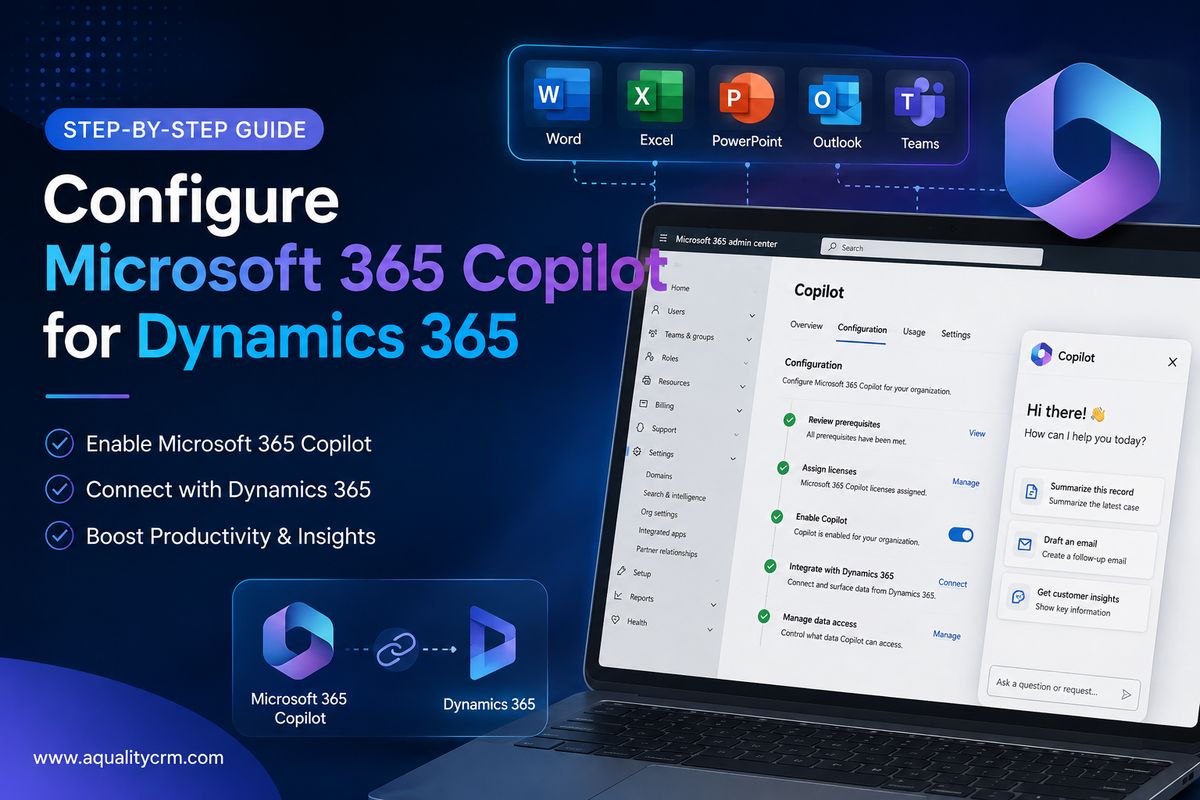
Copilot for Microsoft 365 ($30 per seat per month) integrates AI into Word, Excel, PowerPoint, Outlook, Teams, and OneNote. It drafts emails, generates reports, and summarizes meetings. Microsoft now has 30 million paid seats globally, signaling massive enterprise adoption. For a 10,000-person company, that’s $3.6 million annually, but Forrester calculates 18% productivity gains worth $4 million in time savings (Forrester TEI, 2026).
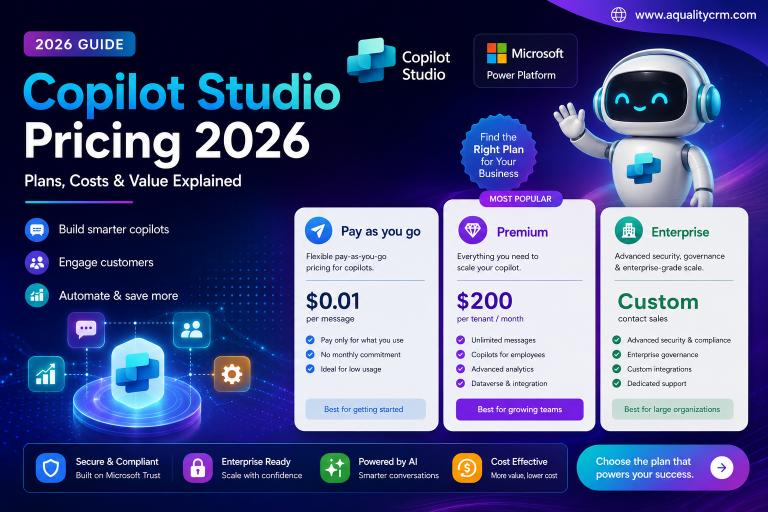
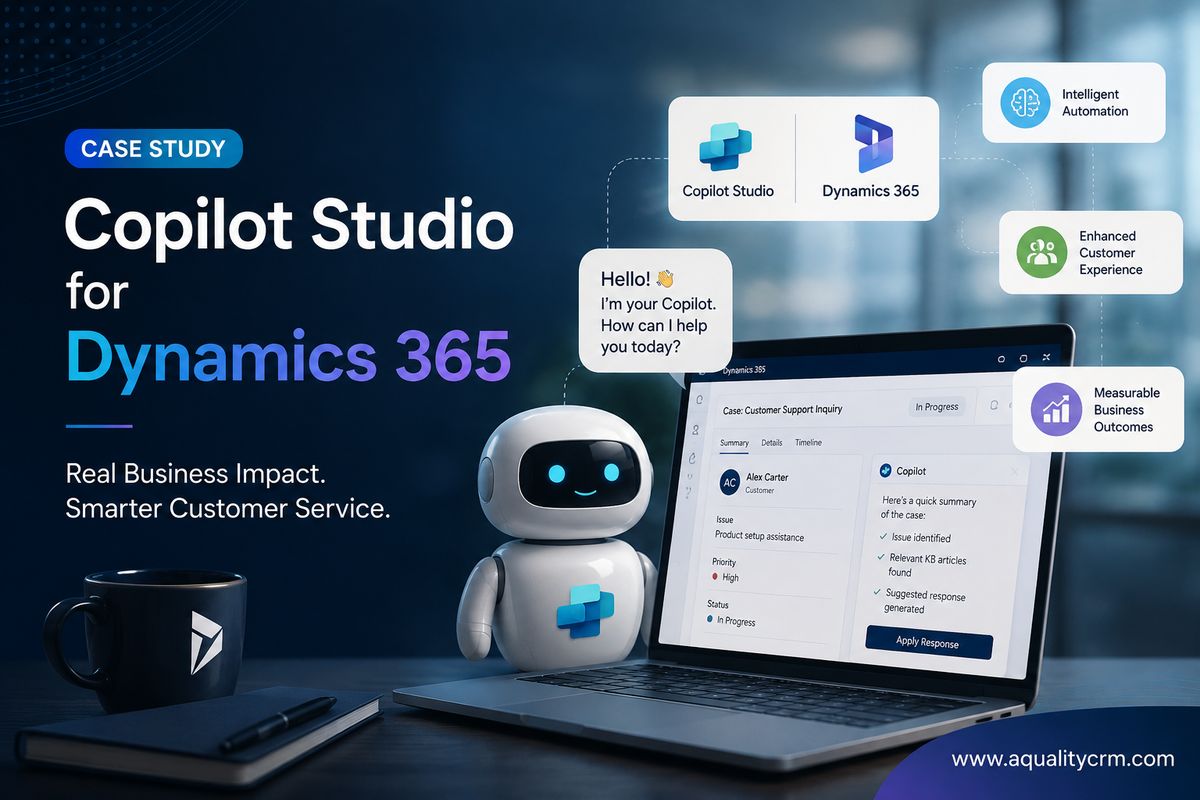
Copilot Studio lets enterprises build custom AI agents without code. Business users can create agents for customer service, employee onboarding, and workflow automation. Pricing ranges from $100 to $500 monthly depending on agent complexity and token volume.
Microsoft Agent 365 (launched May 2026) is the newest offering: autonomous agents that handle entire business processes. It orchestrates actions across email, calendar, Teams, and Power Apps. This bridges Copilot Studio (user-controlled) and fully autonomous workflows.
Semantic Kernel is the open-source developer framework for building AI apps. It provides connectors to Azure OpenAI, LangChain parity, and abstractions for chaining AI calls. Most enterprises don’t license this directly; instead, engineers use it to accelerate custom development.
Product Comparison Table
| Product | Pricing Model | Customization | Compliance | Governance | Best For |
|---|---|---|---|---|---|
| Azure OpenAI | Per-token ($0.001-$0.05) | High (fine-tuning) | HIPAA, GDPR, FedRAMP | Purview integration | Custom apps, regulated industries |
| GitHub Copilot | $50K-$200K/year (team) | Medium (policy control) | SOC 2, GDPR | Audit logging | Developer productivity |
| Copilot for M365 | $30/seat/month | Low (built-in features) | HIPAA eligible | Tenant controls | Office workflow automation |
| Copilot Studio | $100-$500/month | High (custom agents) | Depends on backend | Role-based access | Customer service, workflows |
| Agent 365 | Bundled licensing | Very high (autonomous) | Built-in compliance | Purview, Sentinel | Process automation |
| Semantic Kernel | Open-source (free) | Very high (code-based) | Custom implementation | Development-time | Enterprise AI frameworks |
Customer Service and Support: 57% of Enterprise AI Adoption Happens Here
In 2026, 57% of enterprise AI initiatives target customer service (Enterprise AI Adoption Surveys, 2026). Ticket deflection alone saves $50,000 to $500,000 annually for enterprises with 5,000+ inbound tickets monthly. Typical deployment uses Azure Bot Service plus Copilot Studio and reaches production in 60 to 90 days.
Here is why customer service is the dominant use case: the ROI is fast and measurable. A single customer service agent can deflect 20% to 45% of incoming tickets by answering FAQs, looking up order status, or resetting passwords. Cost-per-ticket drops from $5-$20 (human handling) to under $0.50 for deflected interactions.
The typical workflow is straightforward. Incoming chat questions route to an AI chatbot first. The bot attempts resolution using FAQ knowledge bases or API lookups. If confidence is low or the issue is complex, the agent escalates to a human agent with full conversation history pre-loaded. This hybrid approach keeps customer satisfaction high while reducing team workload by 30% to 40%.
Sentiment analysis using Azure Language Service identifies frustrated customers and escalates them faster, reducing average resolution time. Integration with Zendesk, ServiceNow, or custom backends connects the agent to your ticketing system and customer data.
The payback timeline is remarkably short. A $50,000 annual Copilot Studio cost for a mid-sized customer service team often returns 6 to 12 weeks via ticket deflection savings alone.
Code Generation and Developer Productivity: 55.8% Speed Gains with GitHub Copilot
GitHub Copilot users see 55.8% task completion speed increases according to BlueOptima’s study of 30,000+ enterprise developers (BlueOptima, 2025). But here is the honest part: productivity gains vary dramatically by task type. Test writing sees 55.8% speed gains; writing boilerplate code yields 42% gains; novel algorithm development sees only 12% gains (BlueOptima, 2025).
The sustained productivity uplift across all coding tasks averages 5.4%, which means skepticism about AI code generation is partially justified. Developers must review Copilot suggestions carefully; rejection rates run 20% to 40%, and security reviews are mandatory before deployment.
GitHub Copilot for Enterprise costs $50,000 to $200,000 annually for a team. It includes code scanning, IP indemnity, and audit logging so compliance teams are satisfied. The pricing is steep but justified by payback in large development organizations.
When is Copilot not enough? Domain-specific code generation, healthcare compliance logic, or financial modeling may require Azure OpenAI for custom IDE integration. Teams can fine-tune models on proprietary code patterns and deploy them as internal Copilot alternatives.
The real win comes from freed-up cognitive load. Developers spend less time typing boilerplate and more time solving novel problems. Code review turnaround time drops. Burnout decreases. These soft benefits are harder to quantify but matter for retention.
Document Intelligence and Processing: Automate Contract Review, Compliance, Invoices
In 2026, 48% of enterprise AI initiatives involve document processing (Enterprise AI Adoption Surveys, 2026). Microsoft’s Document Intelligence plus Azure AI Search reduces invoice processing time from 2 to 3 hours per document to under 5 minutes. Legal teams save 500+ hours annually per lawyer (Microsoft case studies, 2026).
Document Intelligence Service uses OCR, layout analysis, table extraction, and key-value pair recognition. A legal team can upload 100 contracts, and the service extracts obligation dates, payment terms, liability caps, and renewal clauses in minutes. Accuracy runs 85% to 95% for structured documents like invoices; 60% to 80% for semi-structured content like contracts.
Workflow integration is key. Documents flow from SharePoint to Document Intelligence to Azure AI Search to Power Apps, where a human reviewer approves extractions before entry into contract databases. This semi-automated approach balances speed with accuracy.
ROI calculation: A single lawyer costs $50,000 to $150,000 annually in salary and benefits. Document Intelligence automation costs $2,000 to $10,000 yearly for moderate volume. Even a 20% time savings (5 hours per week) justifies the investment in organizations processing 1,000+ documents annually.
The biggest hidden benefit is audit trail and compliance. Every document is logged, timestamped, and tagged for retention policies. This alone sells the solution to regulated industries like healthcare and financial services.
Business Intelligence and Analytics: Copilot in Power BI and Azure Synapse
In 2026, 38% of enterprises deploy AI in analytics (Enterprise AI Adoption Surveys, 2026). Financial services lead with 71% adoption; technology firms follow at 68%; healthcare and retail trail at 55% and 42% respectively. Typical ROI requires 18 to 24 months via faster insights and reduced BI team workload.
Power BI Copilot transforms dashboard interaction. Executives ask natural-language questions like “What is our churn rate by region?” and the AI generates charts on the fly. No SQL required. Dashboard generation is automated based on historical patterns.
Azure Synapse Copilot auto-generates SQL queries from natural-language prompts. Data analysts spend less time writing JOIN logic and more time interpreting results. Anomaly detection alerts flag unusual patterns in revenue, customer behavior, or operational metrics.
The catch is data quality dependency. Garbage data in means garbage insights out. Most analytics deployments delay 6 to 12 months because teams must clean up data lineage, missing values, and schema inconsistencies first. Don’t underestimate this cost.
Organizational change management matters too. BI teams must evolve from gatekeepers to enablers. Self-service BI is now possible, but proper governance prevents chaos. Access controls, approval workflows, and audit logging are mandatory.
Enterprise Governance, Security and Compliance: Why Most Deployments Fail
In 2026, 56% of CEOs report zero ROI from AI in their organizations (Forbes, 2026). Root causes are inadequate governance, poor data quality, and unclear ownership, not technology failures.
Microsoft Purview provides the data catalog, lineage tracking, and access policies that governance requires. You define data ownership, sensitivity labels, and retention policies once. Purview enforces them across Azure, Microsoft 365, and third-party data sources.
Copilot Studio Governance adds role-based access to custom agents. Only approved teams can modify agents. Every conversation is logged for audit. Escalation workflows route complex issues to humans. Approval gates prevent untrained agents from going live.
Sentinel Monitoring detects suspicious usage patterns: token theft, anomalous API calls, data exfiltration. When a user suddenly downloads 100,000 records or makes 1,000 API calls in an hour, Sentinel alerts security teams.
Here is a realistic 90-day governance roadmap for enterprises:
Weeks 1-2: Establish governance charter. Define data ownership (which department owns customer data?), audit cadence (monthly? quarterly?), escalation procedures, and compliance mappings (HIPAA sections, GDPR articles).
Weeks 3-6: Implement Microsoft Purview. Create data catalog. Apply sensitivity labels to structured and unstructured data. Configure retention policies for compliance.
Weeks 7-12: Deploy pilot agents with governance logging enabled. Test escalation workflows. Validate audit trail completeness.
Weeks 13+: Scale to production. Monthly audit reviews. Quarterly governance committee meetings.
Common failure modes to avoid: treating governance as a “compliance checkbox” rather than an enabler of scaled deployment; delaying data quality improvements (90% of ROI failures trace to poor data); insufficient change management (teams bypassing approved agents, using unauthorized LLMs).
ROI, Cost Modeling and Business Impact: Realistic Numbers
Forrester’s Total Economic Impact study reports 112% to 457% ROI for Copilot for Microsoft 365 over 3 years (Forrester TEI, 2025-2026). Real case study (Flash.co) achieved 366% ROI in 9.6 months using Azure AI Foundry (Nucleus Research, 2025). But 56% of enterprises report zero ROI because they skip governance and data quality (Forbes, 2026).
Here are real ROI calculations for common scenarios:
Copilot for Microsoft 365: 1,000 seats times $30 per month equals $360,000 annual investment. Forrester data shows 18% productivity gain equals $4 million value annually for a 10,000-person company. Payback: 1.1 months.
GitHub Copilot Enterprise: 500 developers times $50,000 per seat-year equals $25 million investment. With 30% speed gains, this equals $40 million value annually for a 5,000-developer company. Payback: 7.5 months.
Customer Service Agent: One agent deflects 30% of 5,000 monthly tickets. Typical cost $50,000 annually; savings from reducing FTE by 1.5 positions equals $150,000 to $300,000. Payback: 2 to 4 months.
3-year TCO model: Don’t forget licenses plus implementation consulting (10% to 20% of licenses) plus training (5% of licenses) plus ongoing governance infrastructure (3% to 5% annually) plus data quality remediation (highly variable, often 20% to 40% of total cost).
The Flash.co case study is instructive. They deployed Azure AI Foundry and Azure ML to automate manufacturing forecasting. 366% ROI in 9.6 months. Key success factor: existing data quality. Their data was already clean, so no 6-month delays. Most enterprises are not so lucky.
Payback timelines vary by use case. Customer service agents: 6 to 12 weeks. Code generation: 6 to 12 weeks. Analytics: 18 to 24 months.
Competitive Reality Check: When Microsoft Copilot Wins vs. Loses
When users have choice, only 8% prefer Microsoft Copilot versus ChatGPT or Gemini (Recon Analytics and market surveys, 2026). This number shocks Microsoft supporters. But here is the context.
AI-first teams rank Copilot third or fourth. They prefer best-of-breed models and want the option to switch providers. But Microsoft wins enterprise with a different strategy: bundling, compliance, and admin control.
Bundling means Copilot for Microsoft 365 is included in existing licenses. No separate budget needed. Network effects kick in immediately. If your company uses Microsoft 365, Copilot is already there.
Compliance means GDPR-compliant EU deployments, HIPAA-eligible Azure regions, and FedRAMP for government. These matter in regulated industries where vendor choice is actually limited by law.
Admin control means tenant-scoped access, audit logging, data residency guarantees, and approval workflows. CIOs sleep better. AI safety teams are satisfied.
Result: 71% adoption in financial services (where compliance matters most) versus 8% consumer preference (where best-of-breed matters). This is not a technology gap. This is strategy.
Where Copilot wins: Financial services, healthcare, regulated industries, Microsoft-first organizations, risk-averse enterprises.
Where Copilot loses: AI-native companies, open-source preference, multi-cloud strategies, teams wanting pure best-of-breed capability.
Microsoft’s strategic response is to own enterprise execution, not AI innovation. Let OpenAI lead on frontier models. Microsoft focuses on governance, integration, and compliance. This is a rational business strategy.
The honest assessment: Microsoft Copilot is enterprise AI, not consumer AI. If your company runs on Microsoft 365 and values compliance, Copilot is the path of least resistance. If you are an AI-first team, AWS Bedrock or Anthropic Claude may be better choices.